For low-calorie fast food, compare the actual item and serving you will order, then add the drink, side, sauce, and any changes before calling it a meal. The lowest-calorie entrée is not automatically the most satisfying choice. A small item may be a snack for one person and a reasonable part of lunch for another.
The examples below use U.S. chain pages checked on October 10, 2026. They are standard listed items, not custom orders or complete combo meals. Chain pages can change; check the current menu when you order, especially if you have a medical nutrition requirement or food allergy.
Specific fast-food items, side by side
| Chain and standard item | Listed serving | Calories | Protein | What to notice |
|---|---|---|---|---|
| Chick-fil-A 8 ct Grilled Nuggets | One 8-piece entrée | 130 | 25 g | Sauce, side, and drink are separate. |
| McDonald's Hamburger | One hamburger | 250 | 12 g | No fries or drink included. |
| Taco Bell Crunchy Taco | One taco | 170 | Not displayed on the item page | The page lists add-ons separately; do not copy the base value to a customized taco. |
| McDonald's Cheeseburger | One cheeseburger | 300 | 15 g | The cheese changes both the item and the total. |
| Chick-fil-A Grilled Chicken Sandwich | One sandwich | 390 | 28 g | More substantial than nuggets alone, but still excludes sides and drink. |
The figures tell you what each chain publishes for one base item. They do not rank the chains as healthy or unhealthy. Taco Bell's item page showed 170 calories but did not expose a protein value in the page we could verify, so the table leaves that cell unfilled. A blank is more useful than a guessed number.
Compare the meal you intend to eat
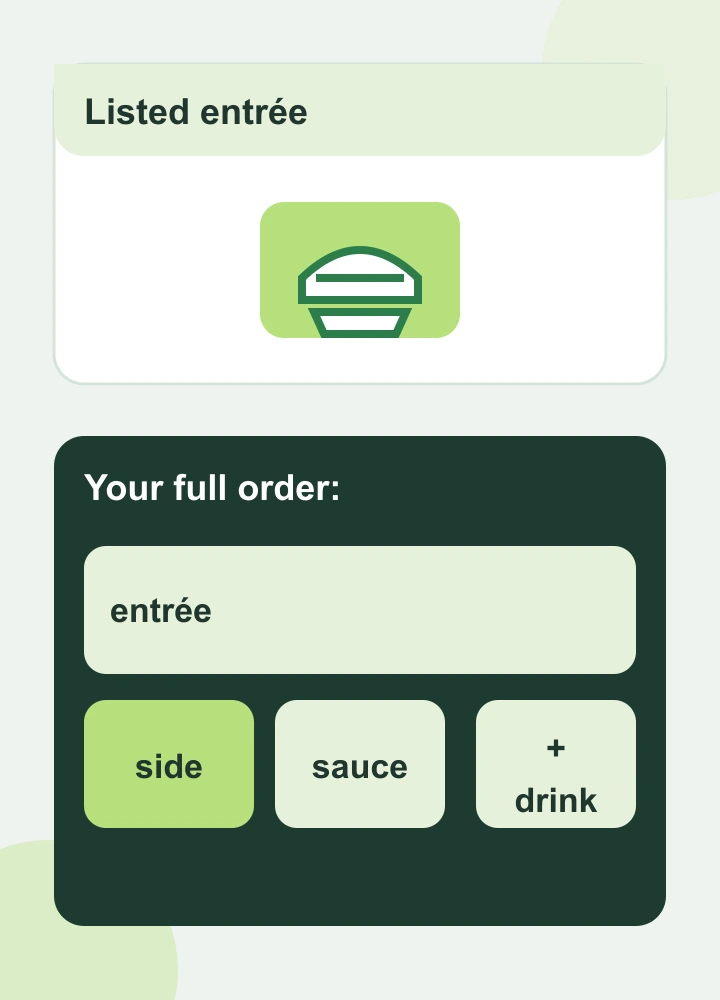
A menu item’s listed calories cover its stated serving; compare the complete order you plan to eat.
Suppose you are choosing between an 8-piece grilled nugget entrée and a grilled chicken sandwich at Chick-fil-A. The listed difference is 260 calories and 3 grams of protein. The nuggets may suit a smaller appetite, but if you then add a side, sauce, or another entrée to feel satisfied, compare that finished order with the sandwich. The same principle applies to one taco versus several tacos. A one-item figure is not a meal total simply because it appears in a “low-calorie” list.
At McDonald's, the listed hamburger and cheeseburger differ by 50 calories and 3 grams of protein. That is a concrete tradeoff, not an instruction to avoid cheese. If you prefer the cheeseburger, order it knowing what changed. If you want fries, count the size you actually choose rather than treating “fries” as one fixed number.
Taco Bell's Crunchy Taco page shows a 170-calorie base item and individual add-ons, including reduced-fat sour cream at an added 20 calories and beans at an added 60 calories when we checked. Those are menu estimates for specific options; an altered order may update in the chain's ordering interface. Do not assume “fresco,” “supreme,” extra meat, or a sauce leaves the base value unchanged just because the item name stays familiar.
Four checks before you tap Order
- Confirm the size and count. Eight nuggets, twelve nuggets, one taco, and two tacos are different servings. Read the number beside the item.
- Add the extras. A side, dressing, dipping sauce, dessert, or sweetened drink can change the order substantially. If it matters to your decision, look up that exact item too.
- Watch substitutions. Grilled versus breaded, a different bun, added cheese, or another protein can change more than the calorie line. Use the current customized nutrition display when available.
- Ask whether it will be enough food. Calories and protein are only two parts of a meal. Consider hunger, vegetables or fruit, dietary needs, and what else you expect to eat that day.
If you sometimes take a GLP-1 medication and restaurant portions feel different than they used to, dining out on GLP-1 covers appetite and comfort. This page stays with the menu comparison. For recording a partial serving or an uncertain restaurant estimate, see how to track calories on a GLP-1.
Keep the comparison useful when menus change
Save the chain's current item page or nutrition calculator, not a screenshot of someone else's order. Check whether the published number is for the base item, a size, or a complete meal. If the restaurant or delivery app offers a customized nutrition total, use that for the exact order you place. If it does not, keep your estimate approximate instead of turning a missing sauce value into a precise total.
The goal is an order you can enjoy and understand. A calorie figure is a piece of information about a serving; it is not a verdict on your lunch.
Menu sources

About the author
Maya Lee
Glowise Senior GLP-1 Content Editor
Maya Lee is a Glowise Health Content Editor. Her guides turn product records, authoritative sources, and everyday organization questions into clear, practical GLP-1 information.
She helps readers ask better questions and keep the details relevant to a care conversation together.
See more Glowise on Google
Add Glowise as a preferred source to find our GLP-1 guides more easily in Google Search.