This Glapp app review is most useful for deciding whether medication-cycle and supply context fit the record you want to maintain.
What this app is best for
Glapp app is most useful for medication-cycle and supply context around injections. According to its official product materials, it offers injection records and reminders, weight and side-effect logs, daily check-ins, progress reporting, medication-cycle context, and secure account sync across iPhone, Android, and web. That combination points to a specific kind of reader: someone who wants medication timing, observations, weight, and supply information to live near the same weekly cycle.
It is a stronger choice when your next task matches that record. If the thing you keep losing track of is where you are in a medication cycle, when the next injection falls, or how much supply remains, this feature set speaks directly to that job. If your main difficulty is food logging depth or a different daily habit layer, the same list reads less like an answer.
How to evaluate the app
Start with four practical questions: will you maintain a medication-cycle record, a daily check-in habit, a progress view worth revisiting, and refill awareness? That record-first lens is more useful than counting features. Names and availability can vary by device, region, app version, and subscription plan, so confirm every capability against the product's current materials before building a routine around it.
| Decision question | What this app describes | Who that tends to suit |
|---|---|---|
| Will I track injections and timing? | Injection records and reminders, medication-cycle context | Someone whose week revolves around a dose schedule |
| Will I log weight and observations? | Weight and side-effect logs, daily check-ins | Someone who wants short, regular entries in one place |
| Will I review progress? | Progress reporting | Someone who revisits trends before appointments |
| Do I need supply awareness? | Medication-cycle context around refills | Someone planning refills ahead of time |
| Where will I open the record? | iPhone, Android, and web access | Someone who switches between phone and browser |
If your answers span several different tracker shapes, a broader tracker comparison is a useful next read before settling on any single app.
Core workflow and verified features
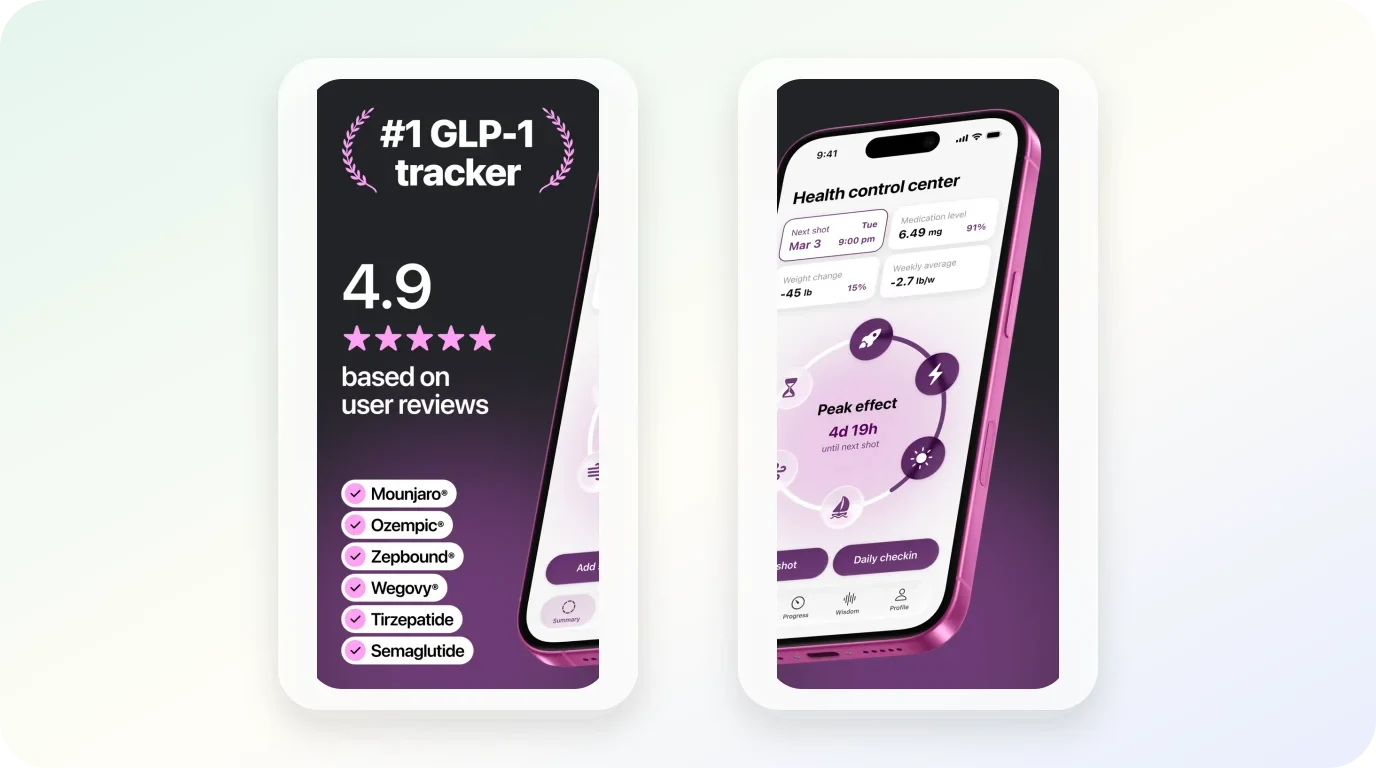
The workflow Glapp describes is built around the injection cycle. Injection records and reminders anchor the week; daily check-ins capture weight and side-effect notes; progress reporting turns those entries into something reviewable; and the App Store listing describes the app's medication, check-in, and progress details. The official product page states that the account is accessible on iPhone, Android, and the web, so verify those platforms for your region and plan.
The product page also claims a more interpretive layer: shot phases and predictions, estimated medication-level views, progress comparisons with clinical trials and peers, and research-backed answers or guidance. Treat these as product claims to test for clarity and usefulness, not as a diagnosis, a dose recommendation, or proof that the app can interpret your individual symptoms. The record-first question remains whether these views help you understand and discuss your dated records with a qualified professional.
The first few records to try
A practical way to evaluate this app is to test the smallest version of its core loop. Record one injection with its date and any reminder you would actually want. Add one daily check-in the following day—weight, a brief note, or both. Then look at the progress view after a few entries and ask whether it shows you something you would genuinely check again. A tracker that makes those three records easy is doing its main job; everything else is secondary until the basics earn a place in your week.
The web access is worth a separate mention because it changes where the record can live. Someone who prefers reviewing notes at a desk, or typing longer entries on a keyboard, has a different experience than someone logging only from a phone.
What the app does not settle
The described workflow does not decide which record deserves your attention. A medication-cycle view can be useful when timing and supply are your recurring tasks; it is less compelling when food detail or a very small daily log is the record you will actually keep. The app can preserve the sequence you entered, while the fit decision remains yours.
Where it works well
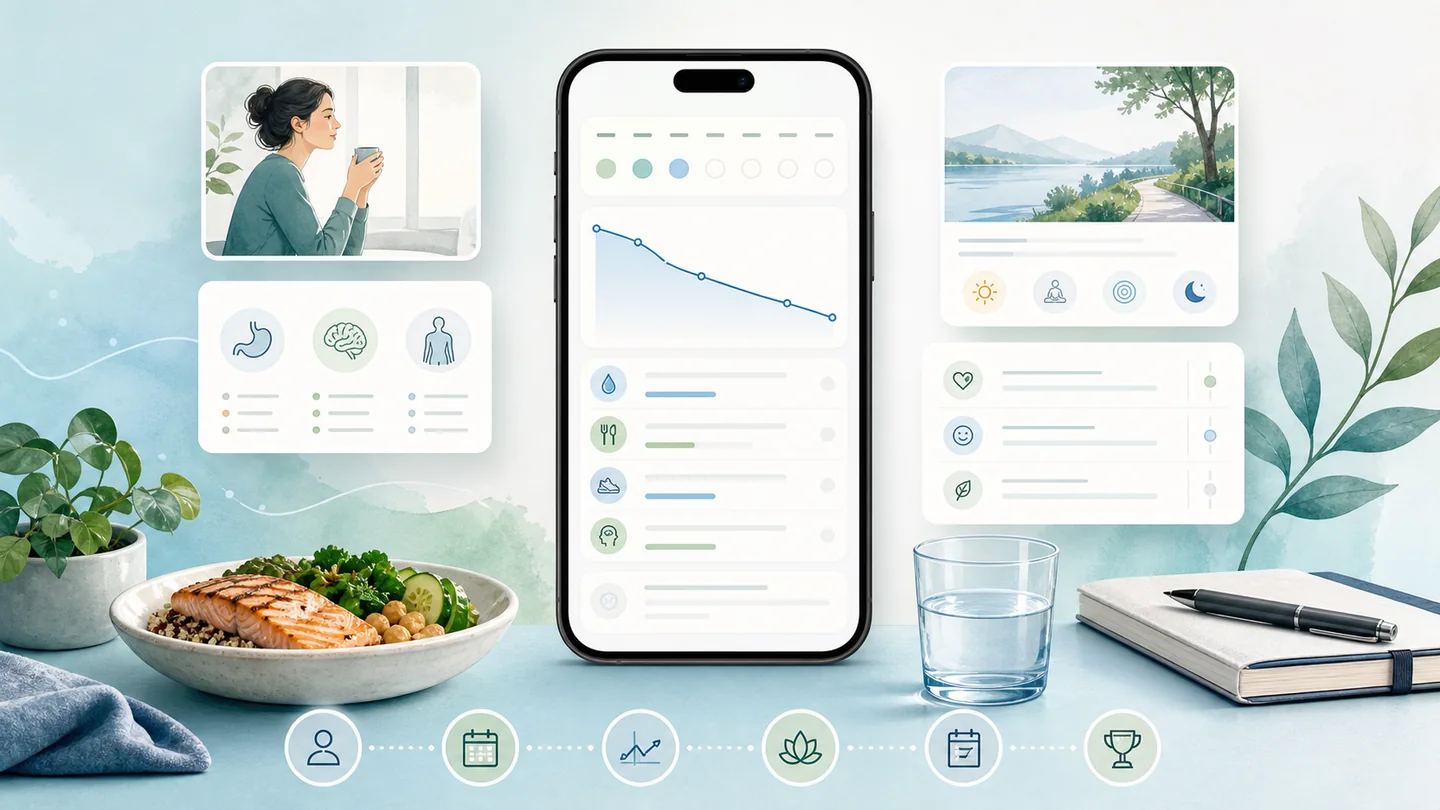
This app can be a strong fit in a few recognizable situations.
- Your routine is organized around the medication cycle. If the questions you ask most often are about timing, upcoming doses, and where you are in a cycle, the described feature set is aimed at exactly that frame.
- You want supply context near the record. Refill planning is a real, recurring task, and keeping it beside injection history reduces a common source of last-minute stress.
- You prefer short daily check-ins over long entries. A lightweight daily habit is easier to sustain than an ambitious log, and the described check-in model matches that preference.
- You move between devices. Sync across iPhone, Android, and web suits someone whose record needs to be reachable in more than one place.
In each case, the fit comes from the match between the workflow and the record—not from the app being universally better than alternatives.
Limitations and tradeoffs
Every tracker makes tradeoffs, and the honest ones here follow from the app's focus.
The public materials do describe food-noise and hunger tracking, nutrition or coaching tips, side-effect tracking, and a broad daily check-in. The useful fit check is therefore not whether food is absent, but whether that stated depth is enough for your record: do you need detailed meals, nutrient targets, or a broader activity history? If so, test those specific entries before treating the app as your primary log. Readers who prefer a single-purpose medication document may instead find the wider check-in layer more than they need.
The part worth slowing down for
The detail worth slowing down for is availability. Subscription terms, plan tiers, and device or region availability can change, and this review does not state current prices or ratings. Before you move a personal health record into any app, open the product's current listing and official pages and confirm the plan, the platforms you need, and the account and privacy details you are comfortable with. That ten-minute check matters more than any review's general impression.
Privacy and medical boundaries
A tracker is an organizational tool. As U.S. Food and Drug Administration patient materials make clear, understanding your medicines involves questions for your doctor or pharmacist—a tracker can organize records, but it cannot diagnose symptoms, choose a dose, or establish the cause of an individual change. If you notice a new or worsening symptom, or you are wondering about dose timing, that is a clinical conversation; the app's role is to give you a clear, dated record to bring to it.
On the data side, make the review actionable. The App Store disclosure identifies developer-reported linked health, contact, identifier, and usage data, and Apple notes that this disclosure is provided by the developer rather than independently verified by Apple. The developer's privacy information also describes its own data-handling and account practices, including deletion and export questions. Before signing up, check which optional integrations or features you actually need, what data each one requires, and where you would request deletion or export. These are claims and controls to confirm in the current materials, not security guarantees. If keeping symptom notes organized is the part of the record you care about most, a dedicated place to record side-effect context can help you keep what happened, when you noticed it, and what you want to ask, without asking any app to interpret it for you.
Alternatives and next steps
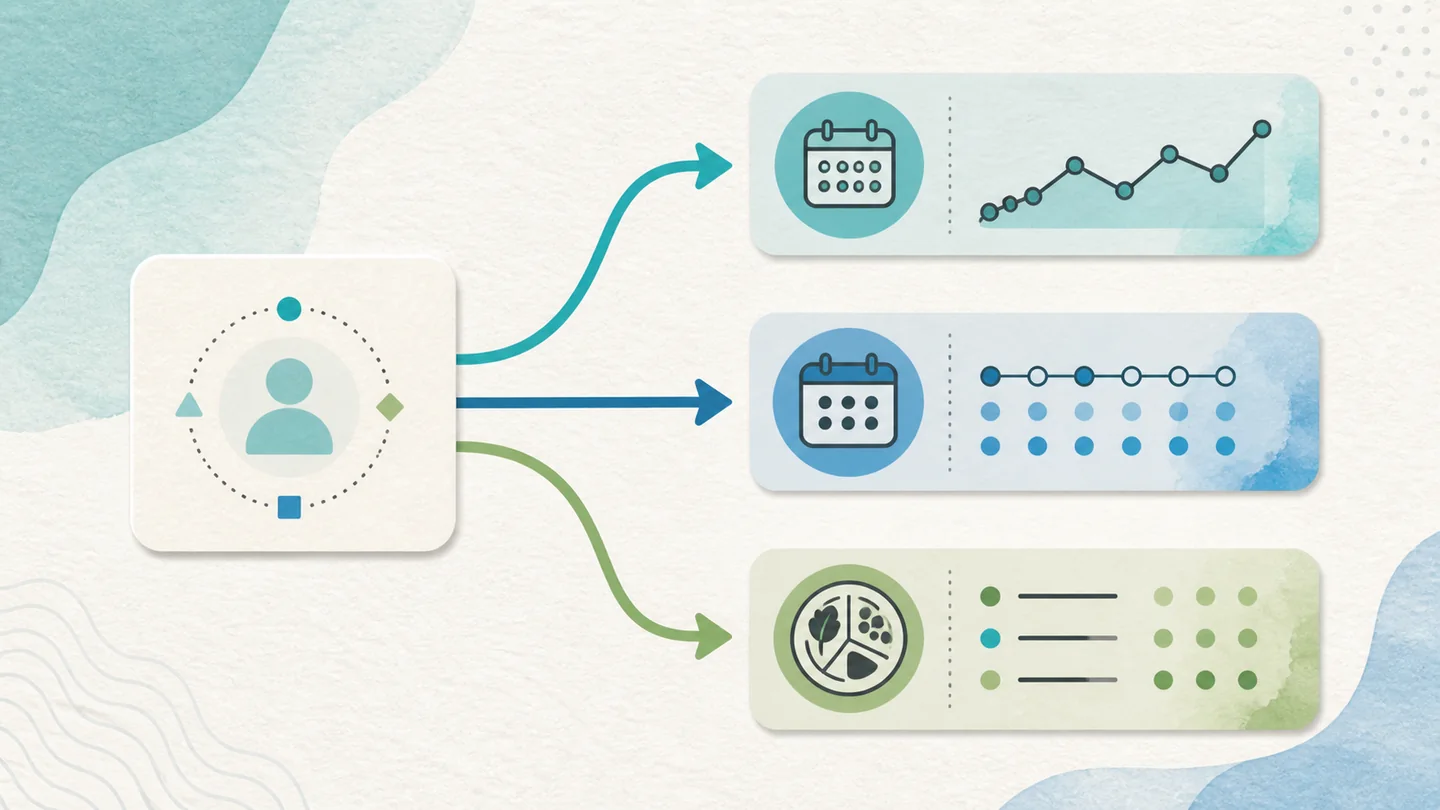
If the fit described above matches your routine, the natural next step is simple: verify the current plan and platform details on the official pages, then try the smallest version of the core loop for a week or two.
If you have identified a real mismatch—your priority is a different record, a different daily structure, or a different balance between medication context and the rest of the day—then comparing Glapp app alternatives is the more useful move. Switching decisions work best when they start from a named gap rather than a vague sense that something might be better. Write down the one record you could not keep the way you wanted, and let that be the filter for whatever you evaluate next.
A connected record, when you want one
Explore a broader GLP-1 tracking routine
Glowise brings the records you choose to keep into one calm daily view, while medical decisions stay with qualified professionals.
The practical takeaway
Glapp app is a reasonable candidate when your tracking life centers on the medication cycle: injections, reminders, daily check-ins, weight and side-effect notes, progress views, and refill awareness, reachable across phone and web. It is one option among several valid tracker shapes, and the right choice depends on the record you will actually maintain.
The practical takeaway
Your Glapp app decision checklist
- Name the record you will open next week before judging any feature list.
- Match the app to that record: medication-cycle and supply context is this app's described center.
- Test the smallest loop first—one injection entry, one check-in, one progress review.
- Confirm current plan, platform, and privacy details on official pages before committing personal data.
Frequently asked questions
Who is Glapp app best for?
It may suit someone who wants medication timing, observations, weight, and supply information near the same weekly cycle. If your routine revolves around the injection schedule and refill planning, the described feature set aligns with that. If your main tracking job sits elsewhere—detailed food logging, for example—a different tracker shape may fit better.
What should I check before creating an account?
Confirm the current subscription terms, the platforms you need (iPhone, Android, or web), and your region's availability, since all of these can change. Then compare the developer-reported linked data categories with the optional integrations or features you plan to use, and locate the current deletion and export controls in the privacy information before entering personal health details. Remember that the App Store privacy disclosure is developer-provided and not independently verified by Apple.
Can this app tell me whether a symptom is caused by medication?
No. A tracker can keep dated notes that are useful to share, but it cannot diagnose symptoms, choose a dose, or establish the cause of an individual change. Bring symptom and dosing questions to your doctor or pharmacist, and use the record as supporting context for that conversation.
When is a broader tracker comparison more useful?
When your answers to the decision questions point in several directions at once. If you want medication-cycle context and deep nutrition logging and a particular daily habit layer, comparing tracker shapes side by side will help you see which single app covers the most of what you will actually keep.
Sources
Product features and availability in this review were checked against current materials on August 20, 2026:

About the author
Maya Lee
Glowise Senior GLP-1 Content Editor
Maya Lee is a Glowise Health Content Editor. Her guides turn product records, authoritative sources, and everyday organization questions into clear, practical GLP-1 information.
She helps readers ask better questions and keep the details relevant to a care conversation together.
See more Glowise on Google
Add Glowise as a preferred source to find our GLP-1 guides more easily in Google Search.