A semaglutide app is most useful when it helps you keep one specific record reliably: a medication timeline, food and hydration context, a few daily observations, or a concise set of notes for a healthcare conversation. The best choice is not the one with the longest feature list. It is the one whose fields match the routine you can realistically maintain.
Start with the routine you actually want help keeping: medication timing, meals, water, a few observations, or a simple list of questions for your next appointment.
Choose the record you want to keep
Choosing an app can feel bigger than it needs to be. Start with the one thing you want to find easily after a busy week: a medication timeline, meal and water context, a short note, or a question you want to bring to an appointment.
Then check five practical details before downloading: the main record the app is built around, how easily you can add daily context, whether it feels medication-first or food-first, whether it works on your device, and how it handles privacy. Store prices, trial offers, ratings, and feature availability can change, so confirm those in the relevant store before you decide.
Start with three fields, not twenty
Before comparing screens, write down the three details you would be disappointed to lose after a busy week. For one person, that may be date, reminder history, and a note. For another, it may be meals, water, and protein. If you want to prepare for a healthcare conversation, you may prefer date, what you noticed in your own words, and the question you want to ask.
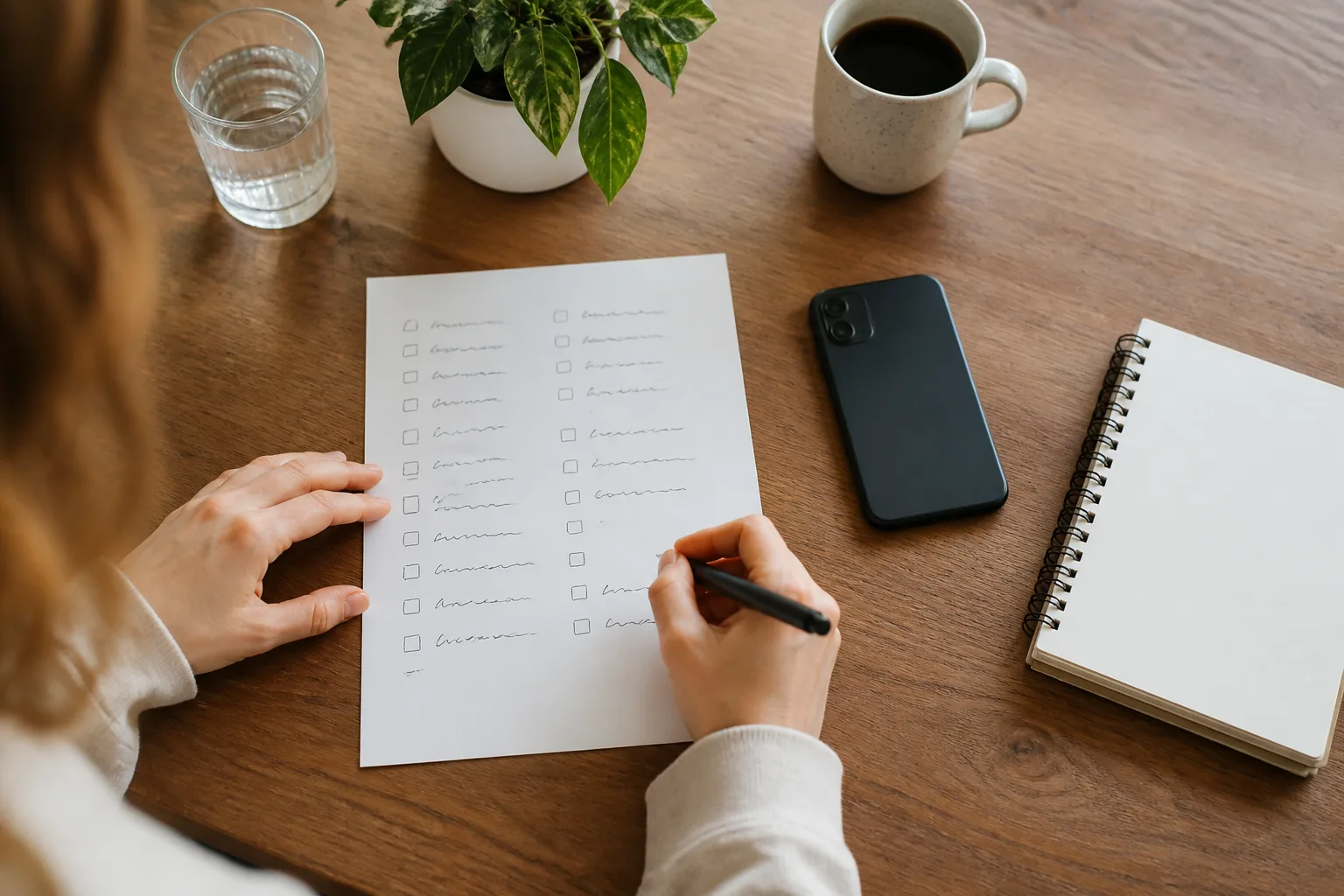
An app can hold more information than you need. Keeping fewer fields can make the pattern easier to read and make the routine less likely to disappear after the first enthusiastic week.
Quick comparison of semaglutide apps
| App | Best fit for | Main record to consider | What to check before choosing |
|---|---|---|---|
| Glowise | One connected daily routine | Medication, food, hydration, notes, and progress in one place | Whether its all-in-one scope and iPhone availability fit your routine |
| Shotsy | Medication-first history | Schedules, reminders, injection or pill records, and exports | Whether the medication detail is more than you need |
| MeAgain | Broad, flexible daily logging | Medication, food, water, protein, and a daily timeline | Whether its style and subscription model suit your habits |
| Glapp | Cycle and supply context | Medication timing, check-ins, reports, and inventory context | Whether its estimation views are useful context for you |
| MyNetDiary | Food, medication, and protein together | Food logging connected to medication and protein | Whether food tracking is the main job you need solved |
The table is not a medical ranking. It is a shortcut for matching a tracking job to an app shape. Review current device support, privacy labels, account deletion options, and subscription terms in the relevant store before you create an account.
Best semaglutide app for one connected routine — Glowise
Glowise can be a good fit when you would otherwise split your information among a reminder, a food app, a water app, and a notes file. Its GLP-1 tracker keeps medication, meals, hydration, side-effect notes, weight, activity, and progress together. That can make it easier to look back without rebuilding the week from several places.
The useful test is simple: after a few days, can you find the date, the routine details you chose to log, and your own notes without moving among several apps? If yes, a connected tracker may reduce friction. If your only need is a medication reminder, a narrower option may be calmer.
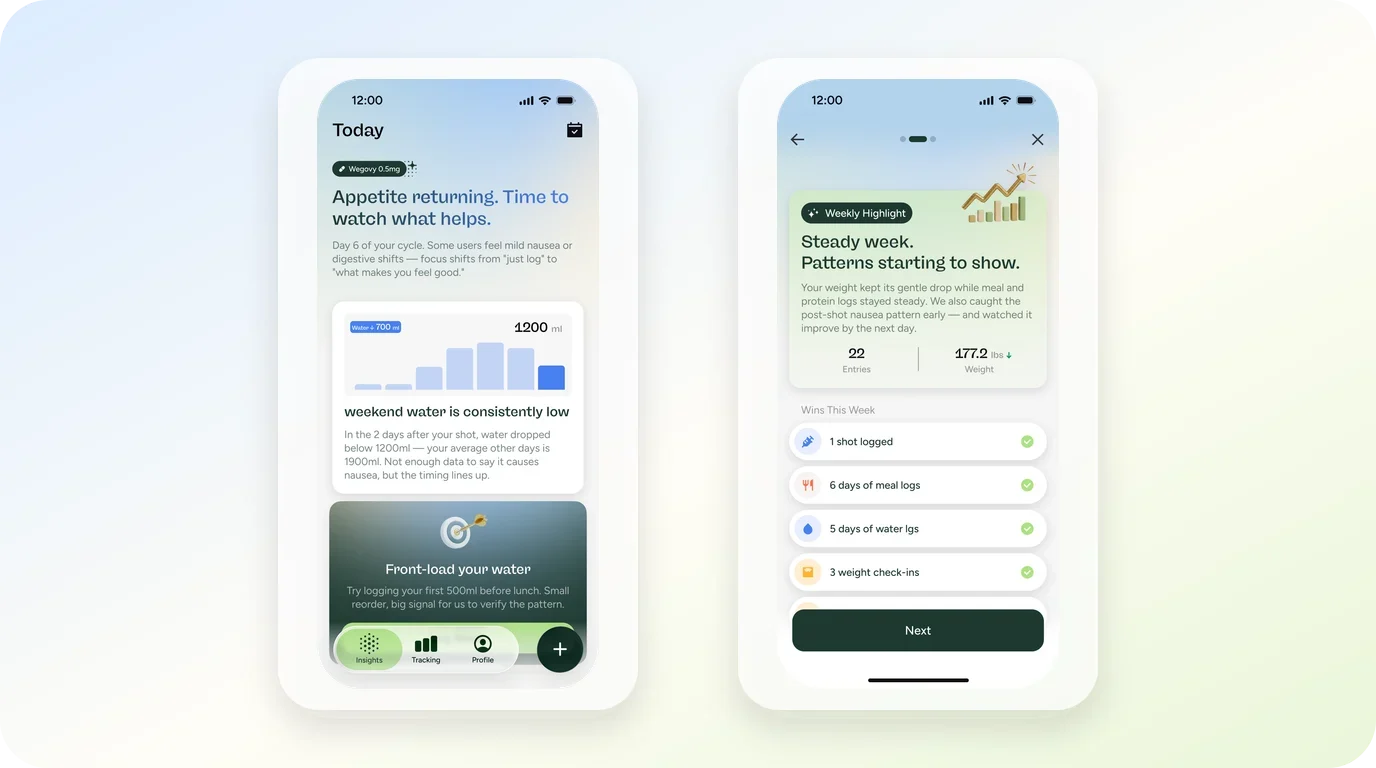
Readers whose routine starts with meals can also review the focused Food and Protein Tracker before deciding that they need an all-in-one record.
A good fit when context gets lost between apps
Choose this route if keeping food, water, and day-to-day notes beside medication timing would help you remember what you want to discuss. Skip the extra fields you do not use. A compact, consistent record has more practical value than a detailed one you abandon.
One connected routine
Keep your GLP-1 routine in one calm place.
Download the Glowise app to organize medication, food, hydration, side-effect notes, weight, and progress.
Best semaglutide app for medication-first records — Shotsy
Shotsy publicly positions itself as a GLP-1 tracker and puts medication history at the center of the experience. It is a practical fit for a reader who wants structured schedules, reminders, injection or pill records, and the possibility of reviewing a more formal history later.
That focus is useful when timing and record structure matter more than food logging. It may feel heavy if you only want a brief daily reminder plus a short note. Before choosing it, check the exact platform availability and whether any export, chart, or reminder feature you expect is currently part of the version you can use.
Keep estimates in the context column
Some medication-first trackers show projected levels or phases. Those displays can help organize dates, but they do not settle a question about a symptom, timing, or prescription. Keep the prescribing instructions for your own medicine and direct personal treatment questions to the professional who knows your care.
Best semaglutide app for flexible daily logging — MeAgain
MeAgain combines medication records with food, protein, fiber, water, symptoms, weight, movement, and a daily timeline in its public product positioning. It may suit someone who wants broad, frequent logging in a more expressive interface.
That breadth does not make every fluctuation a medication outcome. Its value is in preserving your own context over time: what you recorded, when it happened, and what you would like to ask next.
When a broader GLP-1 app comparison helps
If you are also comparing food-first, medication-first, and all-in-one trackers across different GLP-1 routines, review the broader GLP-1 app comparison. It can help you decide how much detail you want to keep before you settle on a specific app.
Best semaglutide app for cycle and supply context — Glapp
Glapp publicly describes itself as a semaglutide app and GLP-1 tracker. Its product focus includes medication timing, daily check-ins, progress reports, and supply or inventory context. This can suit someone who wants to keep a record of the practical rhythm around their medication rather than primarily logging food.
The tradeoff is that charts and estimates can look more definite than they are. Treat them as a way to organize a timeline, not as an interpretation of what your body should do. Review the app’s current privacy terms and device support if reports, cloud sync, or linked health data are important to you.
Best semaglutide app for food and protein context — MyNetDiary
MyNetDiary’s public GLP-1 page puts food, medication, and protein tracking together. It is worth considering when the regular question is less “Did I log my dose?” and more “Can I keep meals and protein in the same routine without making food entry a separate project?”
This fit is different from a medication-first tracker. Food search, meal records, and protein context may be the center of the app, with medication records supporting the bigger routine. A nutrition-first structure can be a better choice than a feature-rich GLP-1 tracker when food organization is the task you actually return to.
A smaller routine can be more useful
The record should support a useful next action, not create a private archive no one can scan. Try a one-week experiment with a short field set. Keep the exact medication context you have already confirmed, the routine details you personally find helpful, and one free-text note only when it adds meaning.

If you want to prepare notes about a concern, use the Side Effect Tracker as an organizational starting point. Note the timing, what you observed, how it affected your day, and the specific question you want answered. For urgent or changing concerns, use the appropriate care channel rather than waiting for a tracker pattern to become clear.
The practical takeaway
A practical selection rule
- Pick the one record you need to keep consistently before comparing feature lists.
- Choose a connected routine when separate apps make context hard to reconstruct.
- Choose medication-first tracking when schedules and history are the main task.
- Choose food-first tracking when meal and protein organization is the routine you will maintain.
- Check device support, privacy labels, export, deletion, and current subscription terms before creating an account.
- Keep treatment and symptom questions with the qualified professional supporting your care.
Privacy and care-conversation boundaries
Health-related apps can collect more categories of information than a basic reminder. Before logging photos, health integrations, medication details, or detailed notes, read the current privacy label and policy. Look for what is linked to your identity, how cloud sync works, whether you can export your own history, and how account deletion is handled.
For a medication conversation, an accurate list of medicines and other products you use is often more useful than an app-generated conclusion. The U.S. Food and Drug Administration recommends keeping that information current. Bring the record you chose to keep, the timing you observed, and a focused question. That leaves clinical interpretation with the people responsible for your care.
Sources
- U.S. Food and Drug Administration medication-list guidance
- U.S. Food and Drug Administration guide to learning about medicines
- National Institute of Diabetes and Digestive and Kidney Diseases overview of prescription medicines for overweight and obesity
Frequently asked questions
What should a semaglutide app track?
Track the few fields that help you keep your routine or prepare a useful question. Common choices include the medication context you have confirmed, timing, meals, water, a short observation, and a question for a future conversation. You do not need every category an app offers.
Can a semaglutide app also work for other GLP-1 routines?
Often, yes. Many trackers can support more than one GLP-1 routine. The useful question is whether the app gives you the record you want to keep—medication timing, food context, daily notes, or a combination of those.
Can a tracker tell me whether a symptom is caused by semaglutide?
No app record can establish a cause for an individual symptom. It can preserve timing and your observations so you can describe them clearly. Use a qualified professional or the appropriate care service for interpretation and next steps.
What should I bring to a medication conversation?
Bring an up-to-date medication list, the dates or routine details you recorded, a short description in your own words, and the question you want answered. Keep the record concise enough that the conversation can focus on what matters most.

About the author
Maya Lee
Glowise Senior GLP-1 Content Editor
Maya Lee is a Glowise Health Content Editor. Her guides turn product records, authoritative sources, and everyday organization questions into clear, practical GLP-1 information.
She helps readers ask better questions and keep the details relevant to a care conversation together.
See more Glowise on Google
Add Glowise as a preferred source to find our GLP-1 guides more easily in Google Search.