This Cronometer app review is most useful for deciding whether a detailed nutrition record fits the GLP-1 routine you want to keep.
What this app is best for
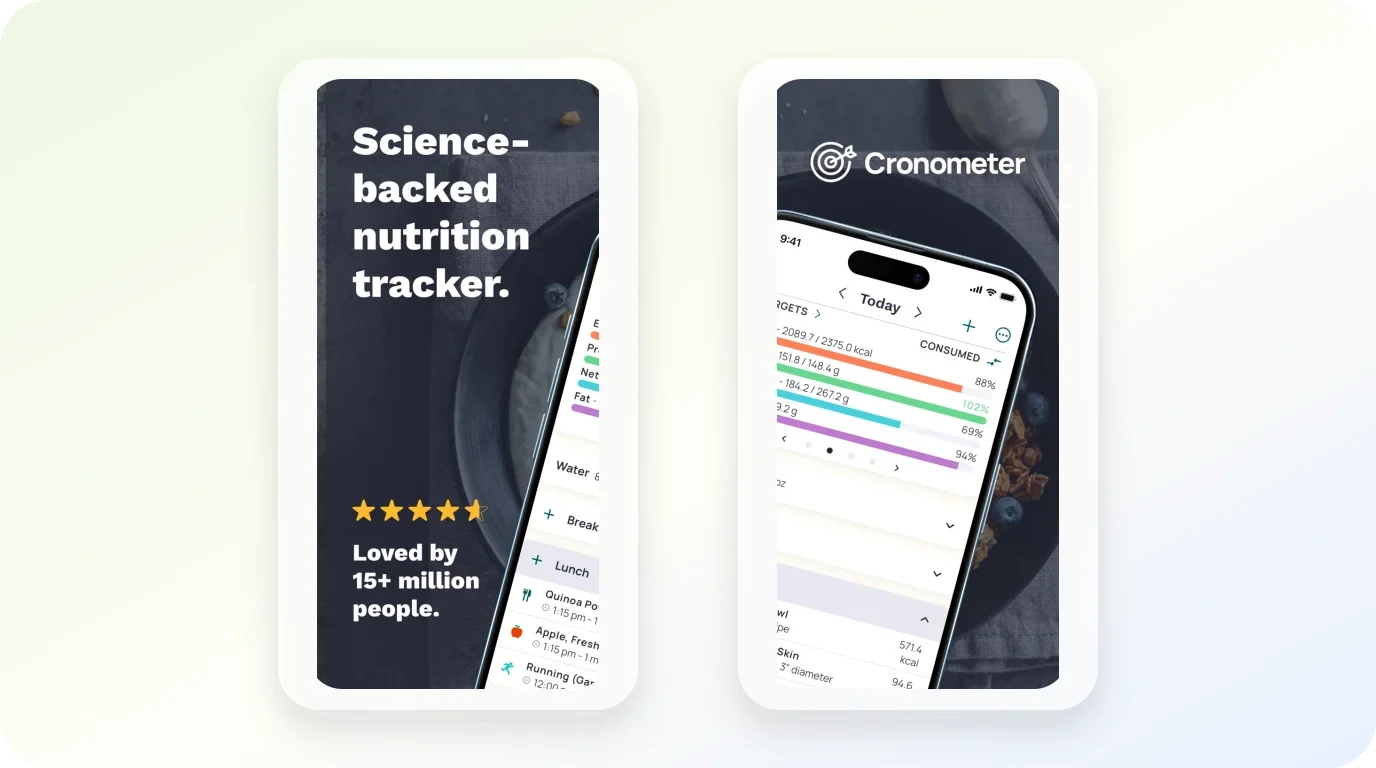
Cronometer app is, at its core, a nutrition record. Its official materials describe a food diary built around calories, macros, protein, fiber, and more than 95 vitamins and minerals, with personalized targets, food search, barcode scanning, photo or voice logging, reports, and connected health data. The App Store listing adds iPhone, iPad, Apple Watch, and connected health-platform support.
Translated into an everyday routine, that feature set supports one kind of question very well: "What am I actually eating, and how does it compare with the targets I set?" For a GLP-1 routine, that level of food and nutrient detail may be useful when it matches the record a reader wants to keep. Someone who wants to see whether today's lunch covered protein, or whether fiber intake changed this week, is the kind of reader this app is built for.
What the feature set does not describe is equally useful to notice. Current product materials foreground a food and nutrient diary rather than medication organization; they do not describe a dose-schedule workflow, injection-site log, or GLP-1-specific symptom timeline. That is not a criticism. It is a boundary that tells you which record the app expects you to keep.
How this review evaluates the app
The decision lens is simple: match the app's described workflow to the record you need to keep, then check the limits. A tracker that organizes the wrong record beautifully is still the wrong tracker. Feature availability, subscription details, and device or region support can change, so verify current terms in the app before you commit.
| Your main question | Fit with Cronometer's described features | Practical read |
|---|---|---|
| What did I eat, in nutrient detail? | Strong: food diary, macros, 95+ vitamins and minerals, reports | This is the app's center of gravity |
| Am I hitting protein and fiber targets? | Strong: personalized targets plus logging tools | Useful when those are the targets you choose to track |
| When did I take each dose? | Not described | Needs a different tool or a manual note |
| Where did I inject last? | Not described | Not part of the stated workflow |
| How do symptoms line up with timing? | Partial: reports plus connected health data | You can record context; interpretation is on you |
If the first two rows are your real job, keep reading. If the last three are, a broader tracker comparison will help you compare GLP-1 tracker fits before you settle on any single app.
Core workflow and verified features
The loop Cronometer describes is: log food, get nutrient detail back, compare against personalized targets, and review trends through reports and connected health data. Logging happens through food search, barcode scanning, and photo or voice logging, which matters because a food diary only works if entries stay fast enough to keep doing on a tired evening.
The first few records to try
A realistic first week with this app looks small. Pick one meal you eat most days and log it properly, using search or the barcode scanner if it is packaged. Set one target you actually care about right now, such as protein, and ignore the rest for a few days. Then open the report view at the end of the week and ask whether the numbers changed any decision you made.
That last step is the honest test. A record you never re-open is decoration, whatever app holds it. The reports and micronutrient detail only pay off if you have a recurring question they answer, such as whether your iron or fiber intake drifted across a week.
What the app does not settle
The described workflow ends at the records you choose to enter. It can show what you logged against the targets you set; it cannot decide whether those targets are the right reason to maintain a detailed diary.
Where it works well
Cronometer fits best when three things are true at once: your primary interest is food and nutrient detail, you are willing to log consistently, and you want targets and reports rather than a coaching layer.
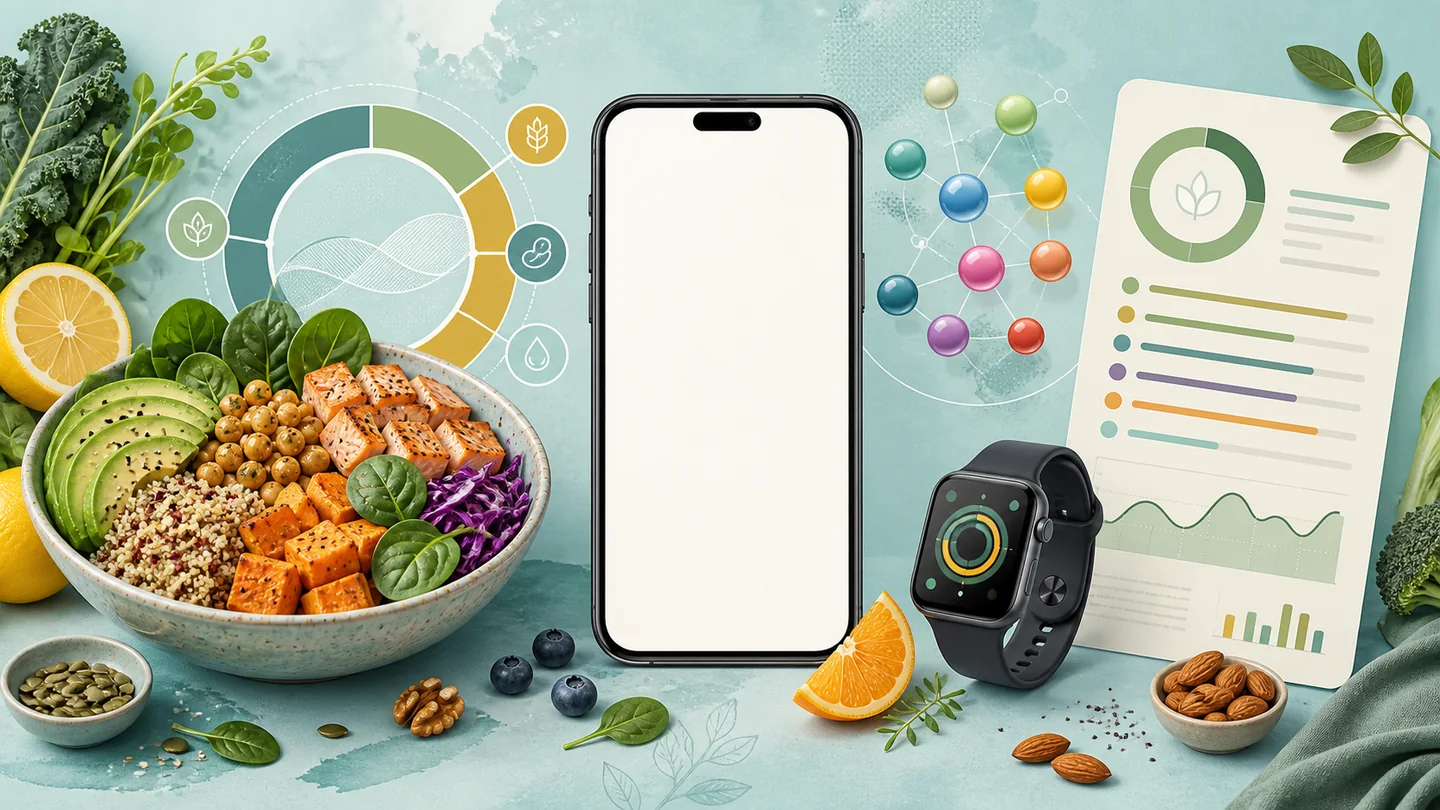
On a GLP-1 routine specifically, that combination shows up in a few recognizable situations. Someone who wants to watch protein intake gets a direct tool for that record. Someone who wants more detail about the foods they log can review per-meal nutrient content rather than only a calorie total. Someone who already uses a connected health platform can pull that context into one place instead of splitting attention between apps.
The Apple device support — iPhone, iPad, and Apple Watch — also suits a reader who wants logging available on the wrist rather than only on the phone. Quick capture options like barcode scanning, photo, or voice logging lower the friction that usually kills food diaries by week two.
Limitations and tradeoffs
Every strength above carries a cost, and it is worth naming them plainly before you download anything.
The part worth slowing down for
A nutrient-detail tracker asks for nutrient-detail effort. Barcode scanning and photo or voice logging help, but a food diary still lives or dies on daily entries, and homemade meals take more attention than packaged ones. If past food logs have faded after a week, that pattern is more predictive than any feature list.
The second tradeoff is scope. Current product materials foreground food and nutrient tracking rather than medication organization. If you want medication, dose, and symptom notes in the same app, that is a different tracker category to compare. Some people prefer separate records; others prefer one connected view.
The third tradeoff is verification. Subscriptions, plan tiers, and device or region availability can change, and this review does not state prices or plan details. Check the current listing and in-app terms before assuming a specific feature is free or available where you live.
Privacy and medical boundaries
Cronometer's official privacy policy treats health information as sensitive. It also describes disclosures that can differ by feature or service, including optional-feature processing involving service providers and advertising-related disclosures for free services. That does not mean every account has the same data flow; it means you should verify what applies before connecting health data.
Before creating an account, check three things in the current policy: whether the health information you plan to enter is covered, which optional features and service providers apply to the features you want, and whether the free-service advertising disclosures affect your use. Then choose what to connect based on those answers, rather than assuming a food diary has no privacy implications.
The medical boundary matters more. A tracker can organize records, and good records are genuinely useful in a conversation with a clinician. But as the U.S. Food and Drug Administration's patient guidance makes clear, questions about your medicines — including whether a symptom is related to one — belong with your doctor or pharmacist, and no app can diagnose a symptom, choose a dose, or establish the cause of an individual change. If you want the symptom side of your routine organized for exactly that kind of conversation, a dedicated way to record side-effect context keeps symptom notes together without asking the notes to interpret themselves.
Alternatives and next steps
If the nutrient-detail record matches your job, the next step is small: install the app, log one ordinary day of eating, and check whether the report view answers a question you actually had. A single honest day tells you more than a week of half-hearted logging.
If it does not match, name the mismatch before switching. "I need dose timing" points to a different app shape than "I need fewer taps to log lunch." A Cronometer app alternatives comparison is the right next read if you want to compare a different tracker fit against the same criteria used here, rather than starting your search over from zero.
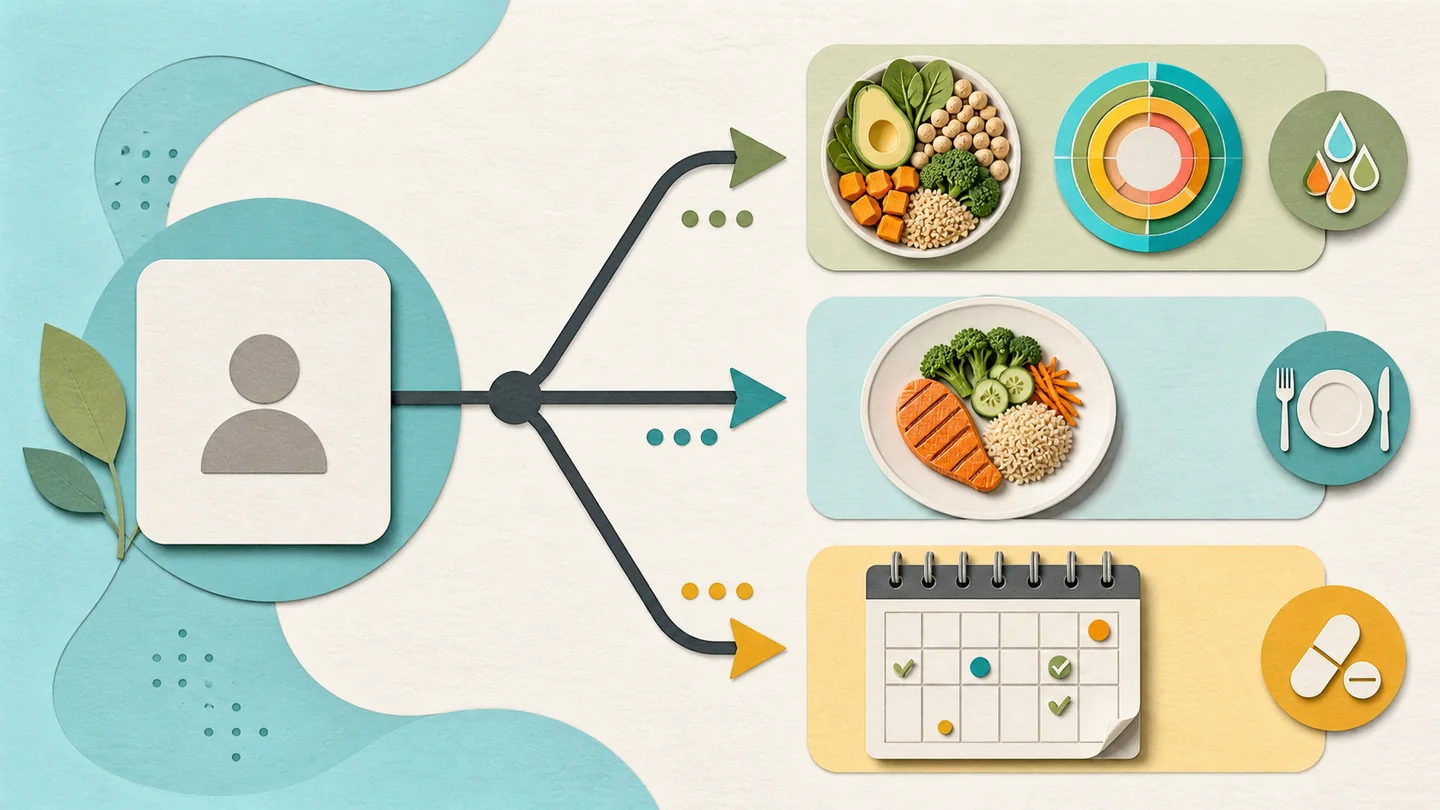
Whichever direction you go, the decision rule stays the same: pick the record you will still open next month, and let the app follow from that.
A connected record, when you want one
Explore a broader GLP-1 tracking routine
Glowise brings the records you choose to keep into one calm daily view, while medical decisions stay with qualified professionals.
The practical takeaway
The practical takeaway
Cronometer app at a glance
- Best fit: food, macro, micronutrient, weight, and connected-health records with personalized targets.
- Verified strengths: food diary with 95+ vitamins and minerals, barcode scanning, photo or voice logging, reports, and iPhone, iPad, Apple Watch, and connected health-platform support.
- Main scope boundary: current product materials foreground food and nutrition rather than medication organization.
- Before committing: verify current subscription, device, and region details, read the privacy policy, and log one honest day.
Frequently asked questions
Who is Cronometer app best for?
It suits someone whose primary question is about food and nutrient detail — calories, macros, protein, fiber, and more than 95 vitamins and minerals against personalized targets. It is a weaker fit if your main need is medication timing, injection-site rotation, or a GLP-1-specific symptom timeline.
What should I check before creating an account?
Verify the current subscription terms and feature availability in the app itself, since plans, device support, and region availability can change. Before connecting health data, read the official privacy policy and check what applies to the sensitive health information you plan to enter, any optional features and service providers involved, and any free-service advertising disclosures. Confirm the app works on the devices you actually use, whether that is iPhone, iPad, or Apple Watch.
Can this app tell me whether a symptom is caused by medication?
No tracker can. An app can organize your records so a conversation with a clinician is better informed, but diagnosing a symptom, choosing a dose, or establishing the cause of an individual change is a clinical judgment. The FDA's patient guidance points those questions to your doctor or pharmacist.
When is a broader tracker comparison more useful?
When your main question is about medication timing, injection sites, or symptom patterns rather than food detail. In that case, comparing several GLP-1 tracker shapes against your actual routine will get you to a decision faster than evaluating any single nutrition-focused app in isolation.
Sources
- Cronometer app official product information — cronometer.com (accessed August 2026)
- Cronometer app App Store listing — apps.apple.com (accessed August 2026)
- U.S. Food and Drug Administration, Learn About Your Medicines — fda.gov (accessed August 2026)

About the author
Maya Lee
Glowise Senior GLP-1 Content Editor
Maya Lee is a Glowise Health Content Editor. Her guides turn product records, authoritative sources, and everyday organization questions into clear, practical GLP-1 information.
She helps readers ask better questions and keep the details relevant to a care conversation together.
See more Glowise on Google
Add Glowise as a preferred source to find our GLP-1 guides more easily in Google Search.