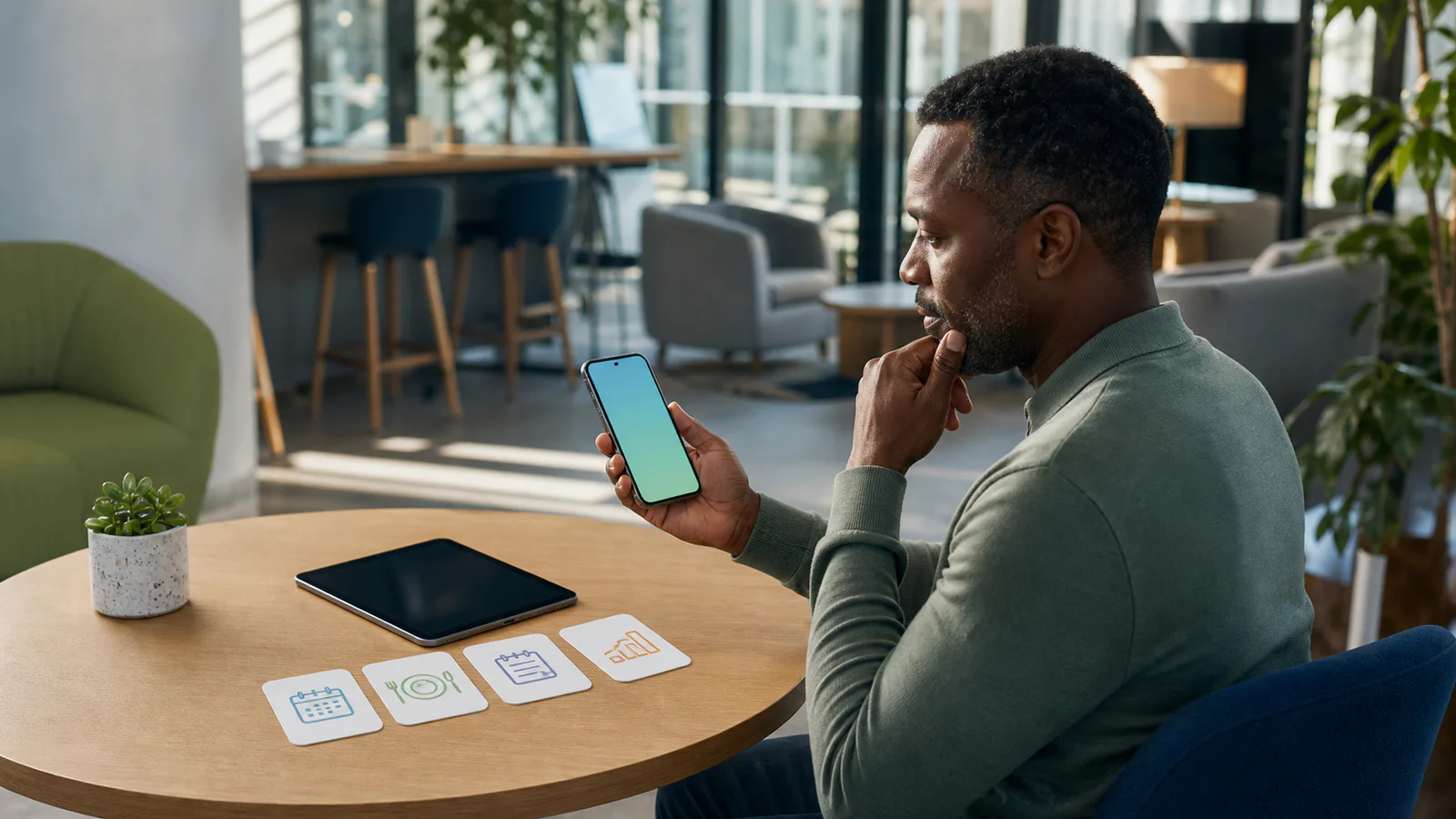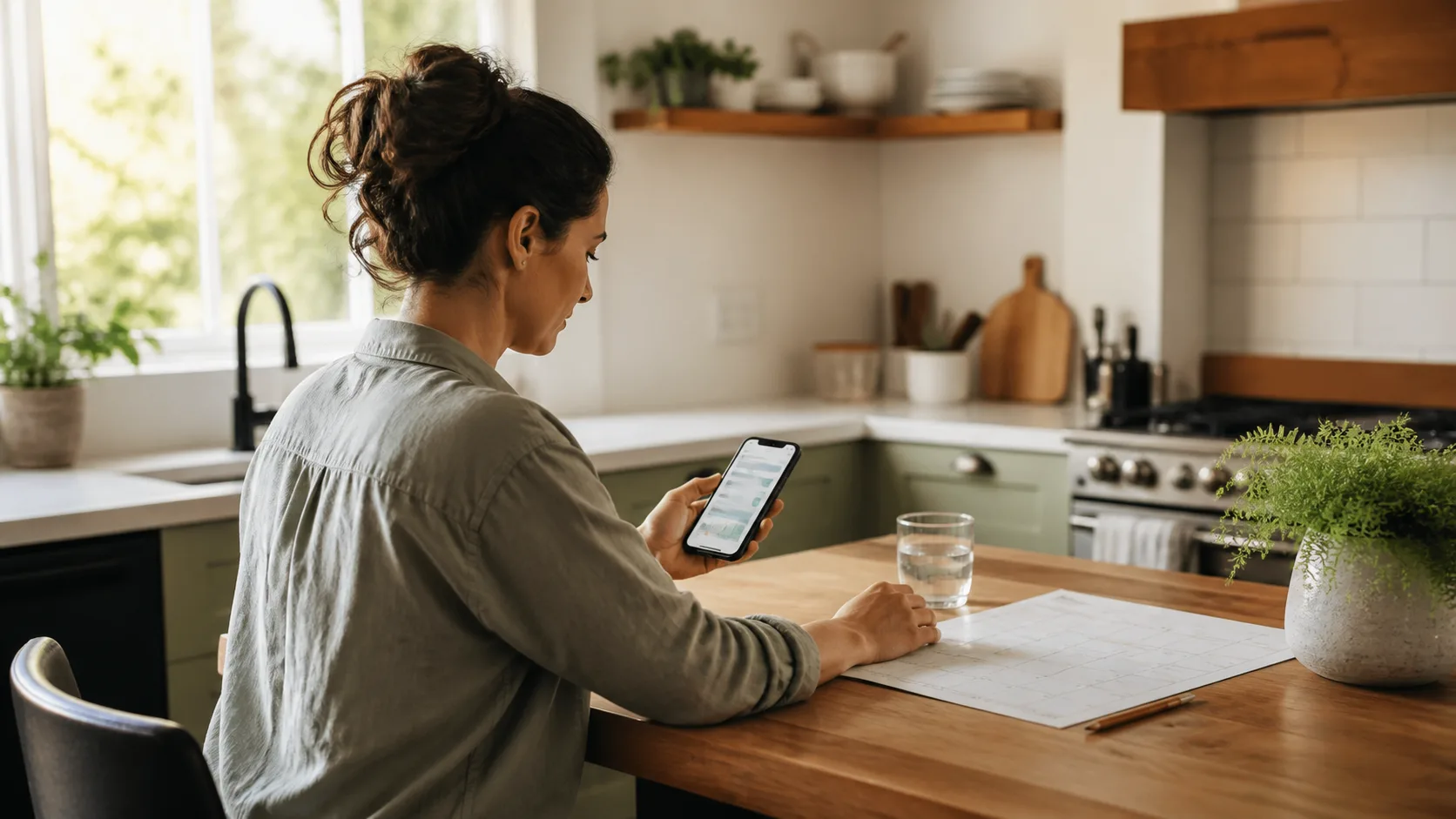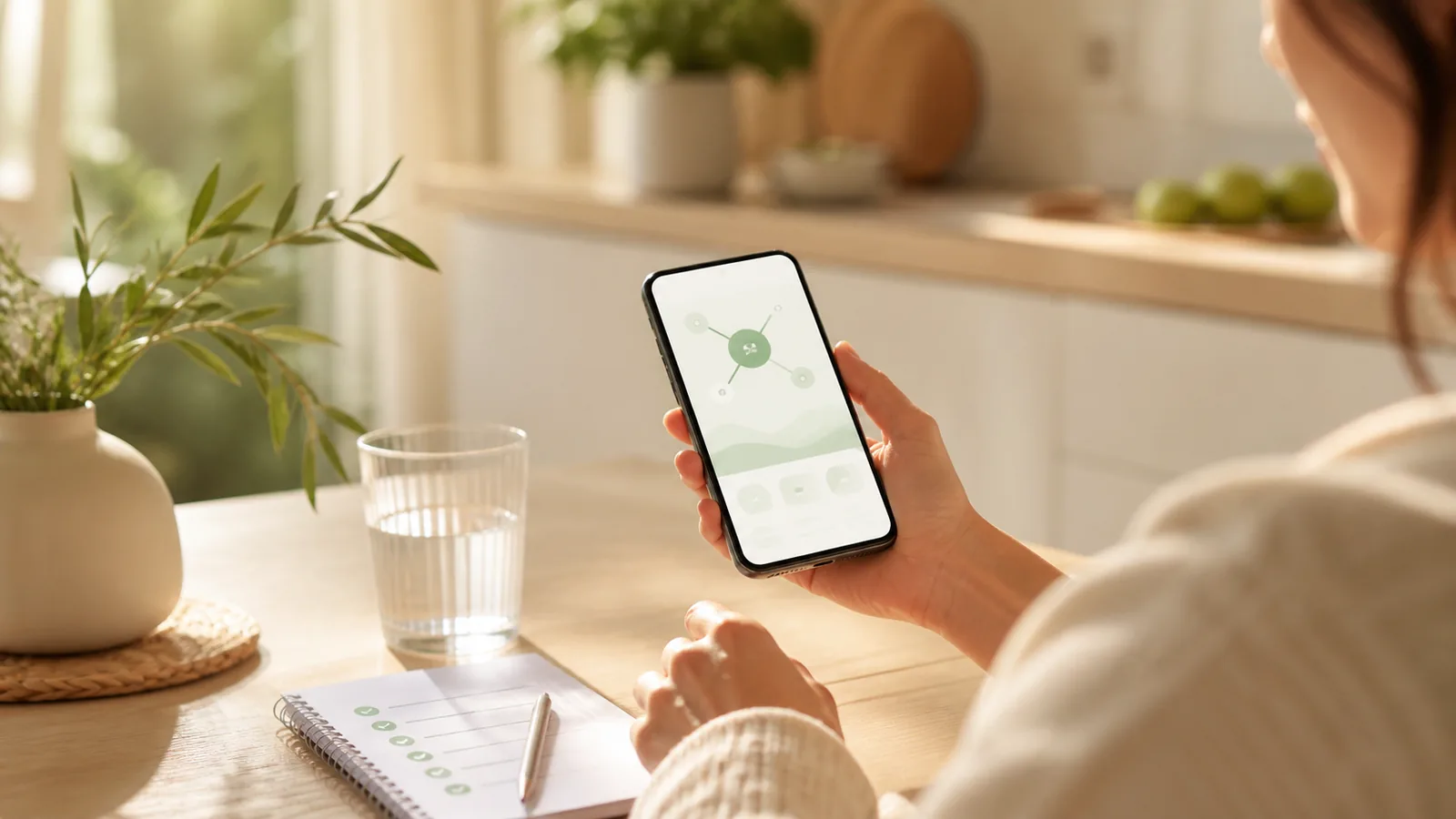
This Glowise app review is most useful for deciding whether keeping medication, food, hydration, side-effect notes, and progress in one record fits your daily routine.
What this app is best for
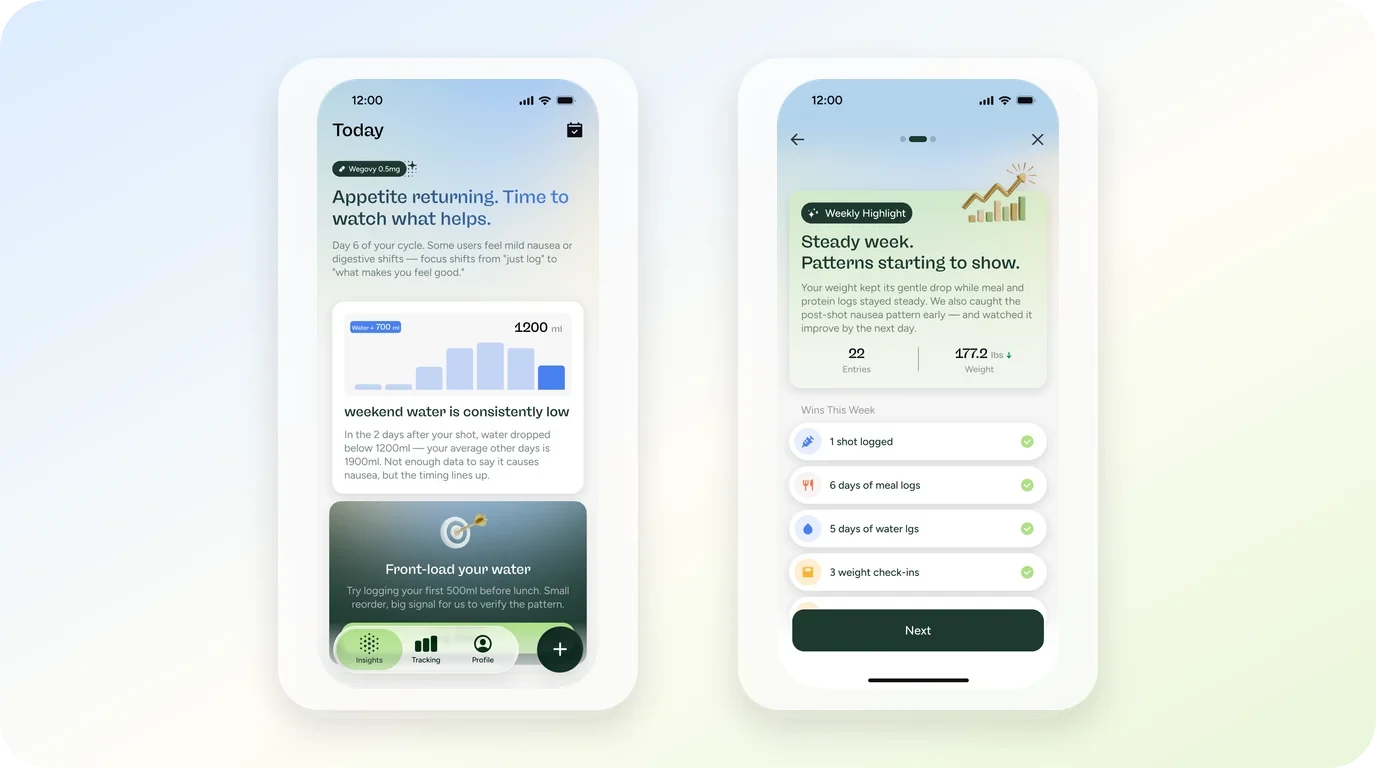
Glowise app is built around one idea: a GLP-1 routine produces several small records every day, and those records are easier to keep when they live in one place. The current product materials describe an iPhone app that combines medication reminders and dose logs, food entry, nutrition and water tracking, symptom notes, activity, weight, and progress views.
That shape suits a specific reader. If your week currently involves a reminder for your injection day, a separate food log, a note about how you felt after a dose, and a weight check you keep somewhere else, the appeal here is consolidation. One record, opened once a day, instead of four habits that each need their own app.
It is a weaker fit if you only want one narrow job done. A person who wants nothing but a dose alarm does not need a full tracking workflow, and a person who only wants meal macros may find a dedicated nutrition app more direct. The rest of this review works through who the connected-record approach serves well, what the current materials actually describe, and where the honest tradeoffs sit.
How this review evaluates the app
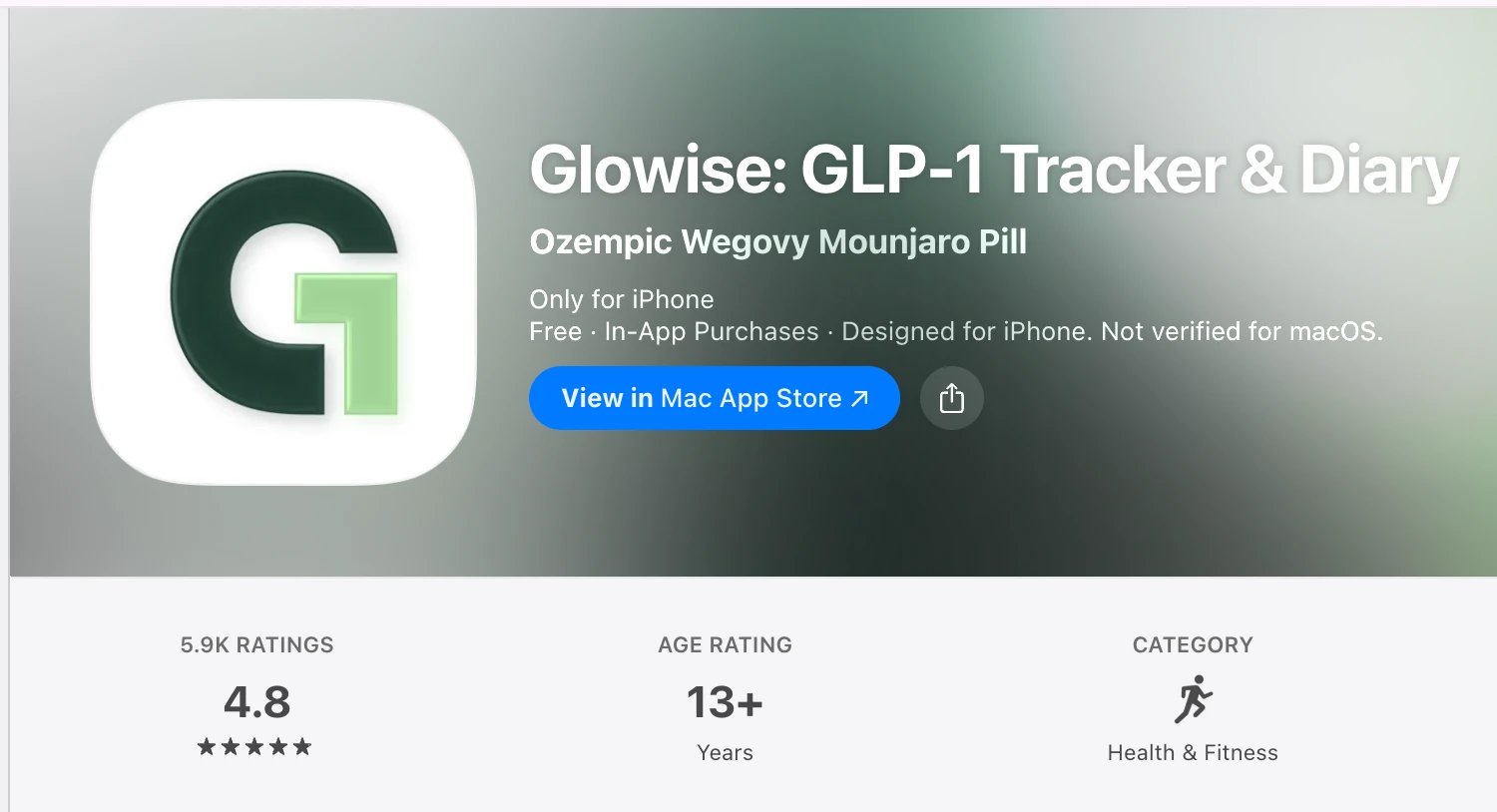
This review is based on the app's official product page, its U.S. App Store listing, and the App Store snapshot supplied for this review, all reviewed in August 2026. The snapshot shows a 4.8 out of 5 rating from 5.9K ratings. That is a useful sign of marketplace reception at the time of capture, but it does not establish whether the app will fit your routine or produce any particular health outcome. This review does not claim hands-on testing; it evaluates the tracking job a reader is actually trying to do.
The questions used here are practical ones:
- What record will you realistically open next week?
- How many separate habits does that record replace?
- What entry methods does the app offer for the moments when typing is inconvenient?
- What does the app deliberately not do, and does that matter for you?
Here is the compact version of that evaluation:
| Your situation | Fit with a connected GLP-1 record | What to verify first |
|---|---|---|
| You track dose, food, water, and notes separately | Strong | Whether you will keep one daily habit instead of four |
| You only want a dose reminder | Partial | Whether a simpler alarm app covers it |
| You mainly want detailed nutrition data | Partial | How much food detail you actually use |
| You want an app to interpret symptoms | Not what a tracker does | Bring notes to a clinician or pharmacist |
| You use an Android phone | Check availability | The current U.S. listing describes an iPhone app |
If this single-app view feels too narrow for your decision, a broader tracker comparison that lays several GLP-1 tracker approaches side by side is a reasonable next read.
Core workflow and verified features
According to the App Store listing and product page, the workflow covers the full arc of a GLP-1 week. Medication reminders and dose logs handle the injection schedule. Food entry works by voice, photo, barcode, or label scan, which offers different ways to record a meal when typing is inconvenient. Nutrition and water tracking, symptom notes, activity, and weight feed into progress views that show the record over time.
The first few records to try
The sensible way to test an app like this is not to set up everything on day one. Pick the two or three records you already keep in some form, move those into the app, and see whether the combined view earns the daily habit. For most people that means the dose log plus one daily-context record. If meals are your hardest record to keep, the food entry methods are the part to test first, and the dedicated Food and Protein Tracker page shows how that specific workflow is organized.
What the app does not settle
A feature list tells you what can be recorded, not what will stick. Two readers can use the same app and keep very different records: one logs every meal, the other only logs dose days and rough protein. Neither is wrong. What the listing cannot tell you is which of those people you are, and that is the question worth answering before you commit to any tracker, this one included.
Where it works well
The strongest case for this app is the reader whose tracking problem is fragmentation. The friction is real: a dose reminder in one place, meal photos in the camera roll, a water habit tracked nowhere, and a weekly weight in a notes app. Each piece is small, but rebuilding the week from scattered sources is where most personal records quietly die. A connected record attacks exactly that failure point.
It is also a reasonable fit for someone early in a GLP-1 routine who has not yet formed tracking habits. Starting with one app that covers the common record types is simpler than assembling a stack of single-purpose tools and later trying to merge them.
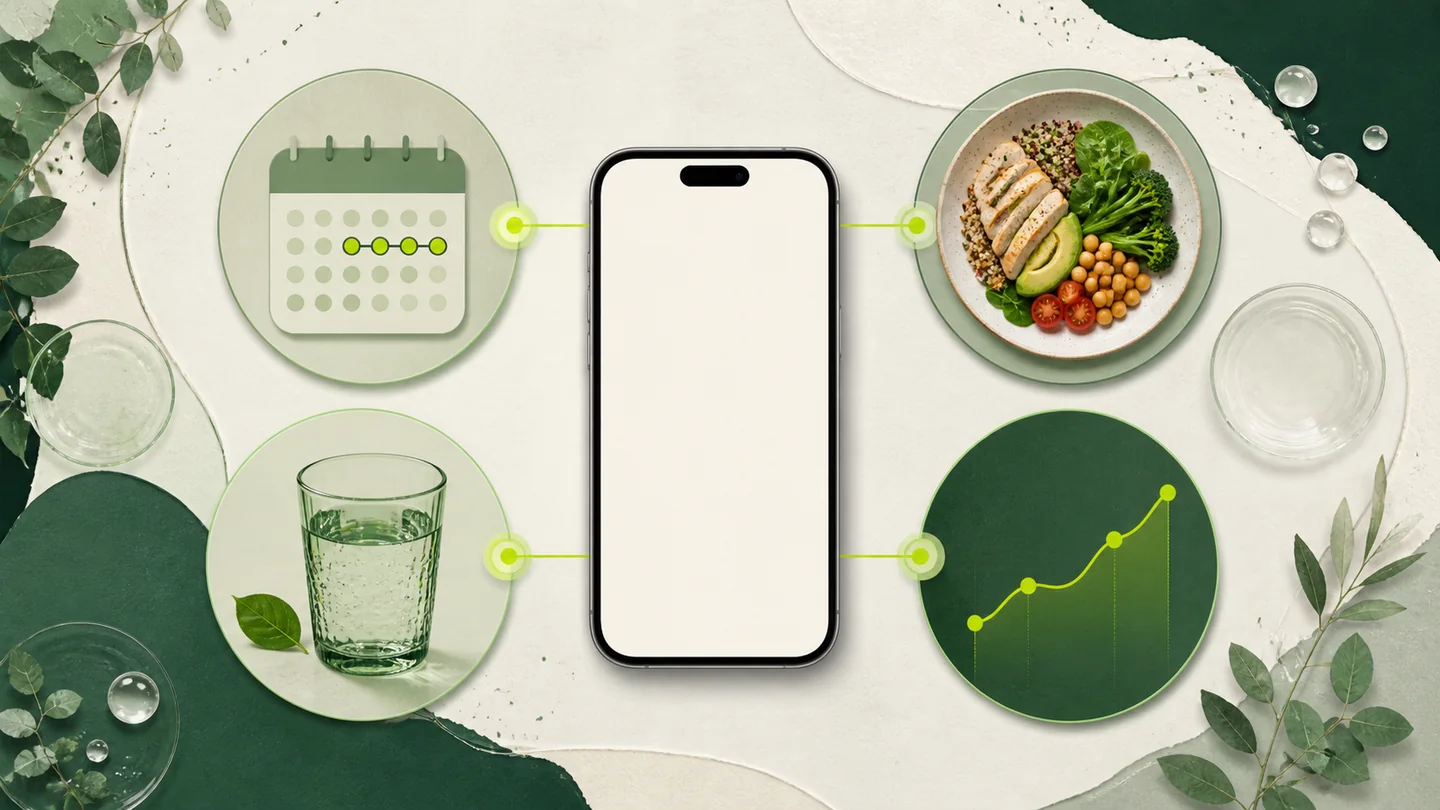
The multiple food entry methods deserve a specific mention. Voice, photo, barcode, and label scan are not four ways to do the same thing; they cover different real moments. A barcode scan works for packaged food, a photo works when portions are hard to describe, and voice works when your hands are busy. An app that only offered one of those would lose readers at whichever moment it missed.
Limitations and tradeoffs
The first tradeoff is platform. The current U.S. App Store listing describes an iPhone app, so availability on other devices or in other storefronts is something to verify rather than assume. Listings and regional availability can change, so check the current store page for your own device before planning around it.
The second tradeoff is pricing shape. The listing shows in-app purchases, which usually means some features sit behind a subscription. Exact prices and what is gated change over time, so read the current listing carefully rather than relying on any review, including this one, for numbers.
The part worth slowing down for
The deeper tradeoff is breadth versus depth. A connected record covers medication, food, water, symptoms, activity, and weight, which means each area is designed to be good enough for a personal log rather than exhaustive. If your actual need is deep in one area, such as detailed micronutrient analysis or structured workout programming, a specialized tool will go further than a general GLP-1 companion. Be honest about which record you will open daily, because that record, not the feature count, decides whether the app earns its place.
Privacy and medical boundaries
A tracking app that holds medication timing, food, weight, and symptom notes is holding personal health context, so it is worth reading the app's privacy materials before creating an account. As observed in the provider's privacy policy on August 20, 2026, it covers data collection and use, distinguishes guest-mode handling from account-based use, and describes the privacy choices available to readers. Before entering health data, verify the current collection and use terms, how guest mode differs from an account for the records you plan to keep, and which privacy choices or controls you can exercise. These details can change, so read the current privacy policy before signing up.
The medical boundary matters more, and it applies to every tracker in this category. An app can organize your records, but it cannot diagnose a symptom, choose or adjust a dose, or establish that a specific change was caused by your medication. If you notice something that concerns you, the record's job is to help you bring clear timing and context to your prescriber or pharmacist, and a focused page on how to record side-effect context shows what that kind of note-keeping looks like in practice. The interpretation stays with the professional.
Alternatives and next steps
If the connected-record shape matches your need, the practical next step is simple: check the current App Store listing on your own device, confirm availability and what the in-app purchases cover, and try the app against the two or three records you already keep.
If it does not match, the alternatives fall into a few shapes. A single-purpose reminder app covers dose scheduling with less setup. A dedicated nutrition app goes deeper on food data. A plain notes habit costs nothing and works for people who only want occasional records. None of these is a failure; they are different answers to different tracking jobs.
The useful question is which record you will actually maintain. Choose the smallest tool that covers that record well, because consistency beats coverage every time.
A connected place for the details
Keep the records you choose in one daily view
Glowise helps organize medication, meals, water, notes, and progress so your routine is easier to revisit.
The practical takeaway
Glowise app is a sensible candidate when your GLP-1 routine produces several small records a day and you want them in one place: medication, food, water, symptom notes, and progress. Its verified strengths are the breadth of that record and the flexibility of food entry. Its honest limits are platform availability, pricing details that you should confirm on the current listing, and the fact that no tracker interprets your health for you.
The practical takeaway
The short version
- Best fit: a reader replacing several scattered tracking habits with one daily record.
- Verified features: medication reminders and dose logs, food entry by voice, photo, barcode, or label scan, nutrition and water tracking, symptom notes, activity, weight, and progress views.
- Check first: device and region availability, and what the in-app purchases currently include.
- Decision rule: pick the smallest tool that covers the record you will genuinely open next week.
Frequently asked questions
Who is Glowise app best for?
It is best for someone on a GLP-1 routine who wants medication, food, hydration, side-effect notes, and progress kept together in one record, rather than spread across several apps.
What should I check before creating an account?
Confirm the app is available for your device and region on the current store listing, review what the in-app purchases cover, and read the provider's current privacy policy before entering personal health information.
Can this app tell me whether a symptom is caused by medication?
No tracker can do that. An app can keep timing and context organized, but questions about symptoms, causes, or dose changes belong with your prescriber or pharmacist.
When is a broader tracker comparison more useful?
When you are not yet sure which tracking shape fits your routine, comparing several GLP-1 tracker approaches side by side helps more than reading about any single app.
Sources
- Glowise app official product information (accessed August 20, 2026)
- Glowise app privacy policy (accessed August 20, 2026)
- Glowise app U.S. App Store listing (accessed August 20, 2026)
- App Store rating snapshot supplied for this review (4.8 out of 5 from 5.9K ratings shown at the time of capture; August 2026)
- U.S. Food and Drug Administration, Learn About Your Medicines (accessed August 20, 2026)

About the author
Maya Lee
Glowise Senior GLP-1 Content Editor
Maya Lee is a Glowise Health Content Editor. Her guides turn product records, authoritative sources, and everyday organization questions into clear, practical GLP-1 information.
She helps readers ask better questions and keep the details relevant to a care conversation together.
See more Glowise on Google
Add Glowise as a preferred source to find our GLP-1 guides more easily in Google Search.